Troubleshooting / FAQ
ServiceNow AI Search
Items not found in AI Search Service Portal
The history table does not indicate any failures and connector processed the expected number of items into AI Search index. In the Service Portal Search, the items cannot be found.
|
Check under 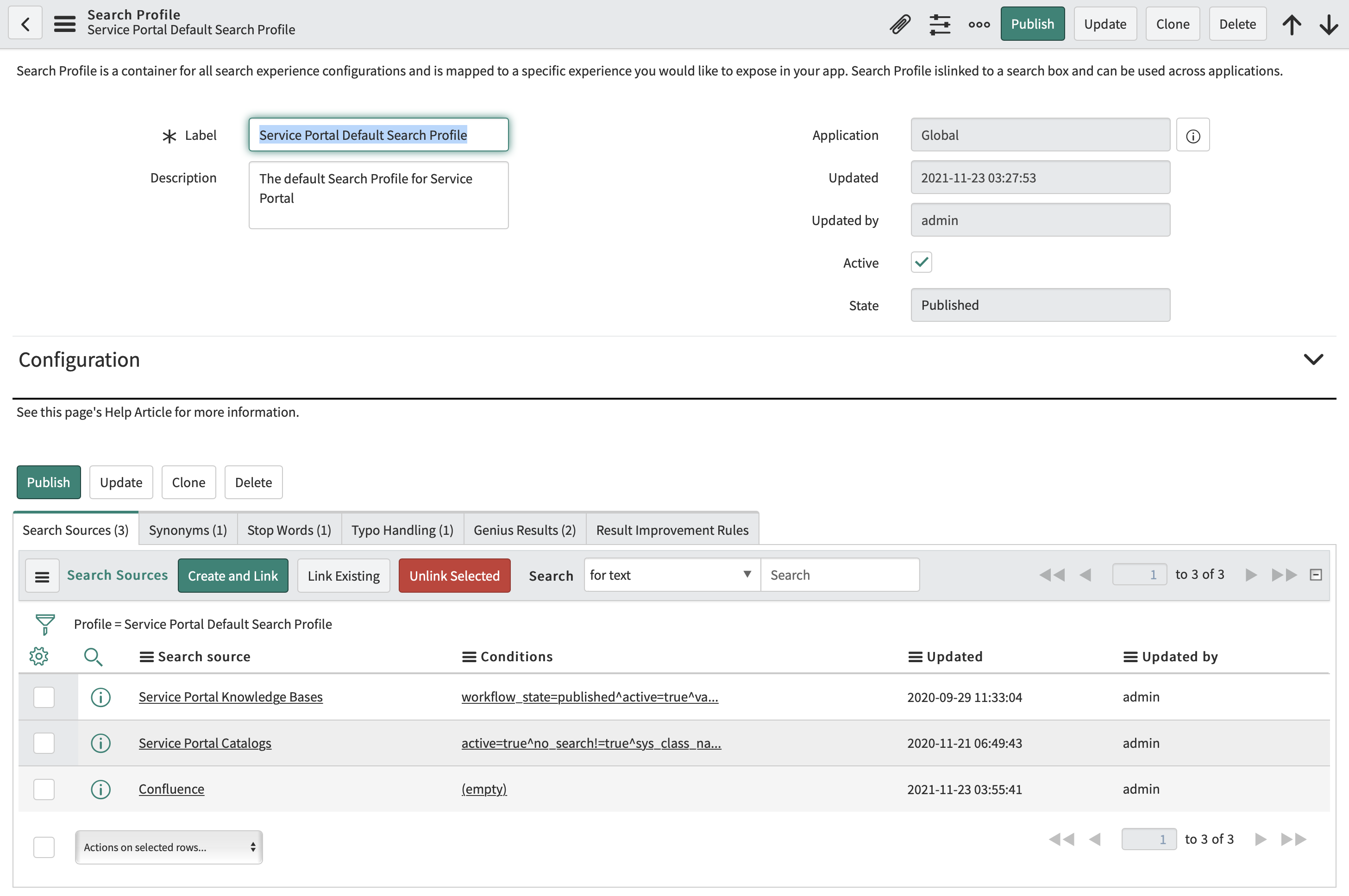
In the example above, the search source |
|
Verify that the connector completed at least a single principal traversal. Starting from Quebec, all items processed by the connector are protected with Access Control List.
The Access Control List assigned to items can be only resolved if principal information from the source system has been synchronized to AI Search.
In order to verify that the expected principal relations have been synchronized, login to ServiceNow with the role 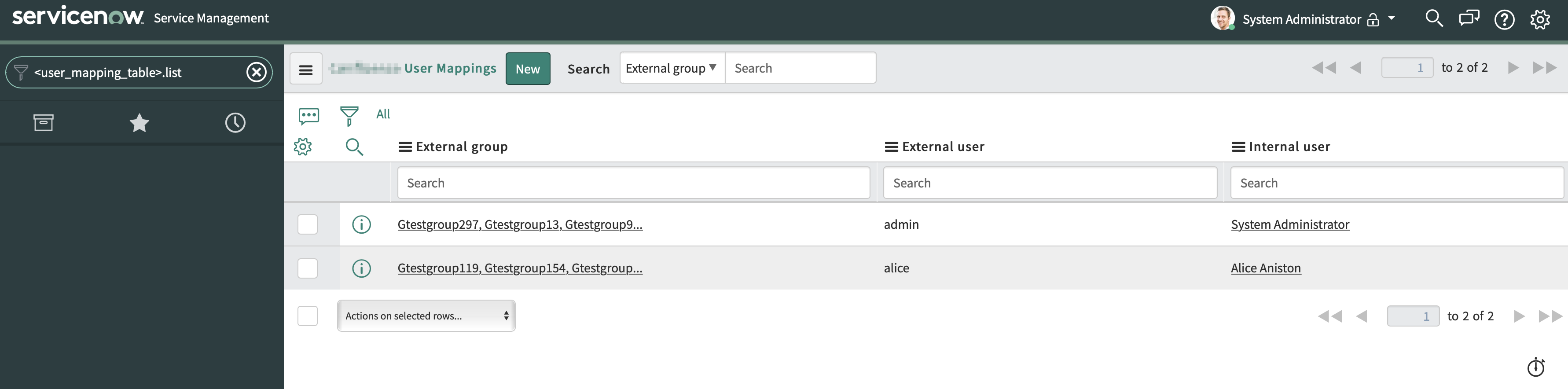
In case you are missing an user record in the table or expecting the internal and external user mapping to be different, revisit your Aliaser Configuration in the Advanced Connector Configuration. |