Troubleshooting / FAQ
Source System: Drupal
Locked or Restricted Content
In Drupal, certain content may be hidden or restricted (for example, unpublished nodes or items flagged “Do Not Index”). Such content is automatically excluded from traversals if the connector’s credentials and permissions do not allow viewing them.
Content Traversal
Content Structure
The Drupal connector generally traverses content based on the following hierarchy:
-
Nodes (Primary content; e.g., Articles, Pages, or custom content types)
-
Taxonomy Terms (if used to organize content)
Each content traversal respects the Drupal settings that influence content visibility and publication status.
ServiceNow AI Search
Items not found in AI Search Service Portal
The history table does not indicate any failures and connector processed the expected number of items into AI Search index. In the Service Portal Search, the items cannot be found.
|
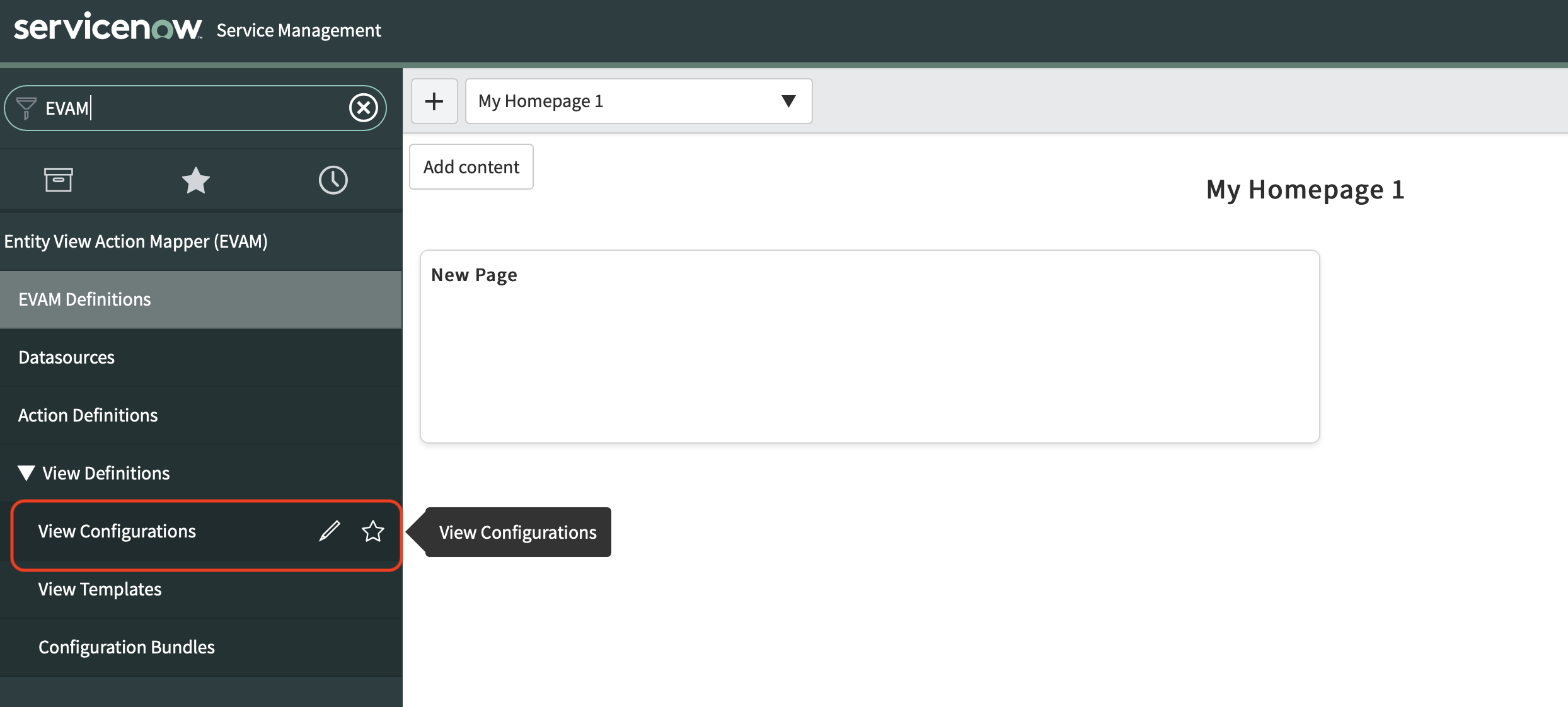
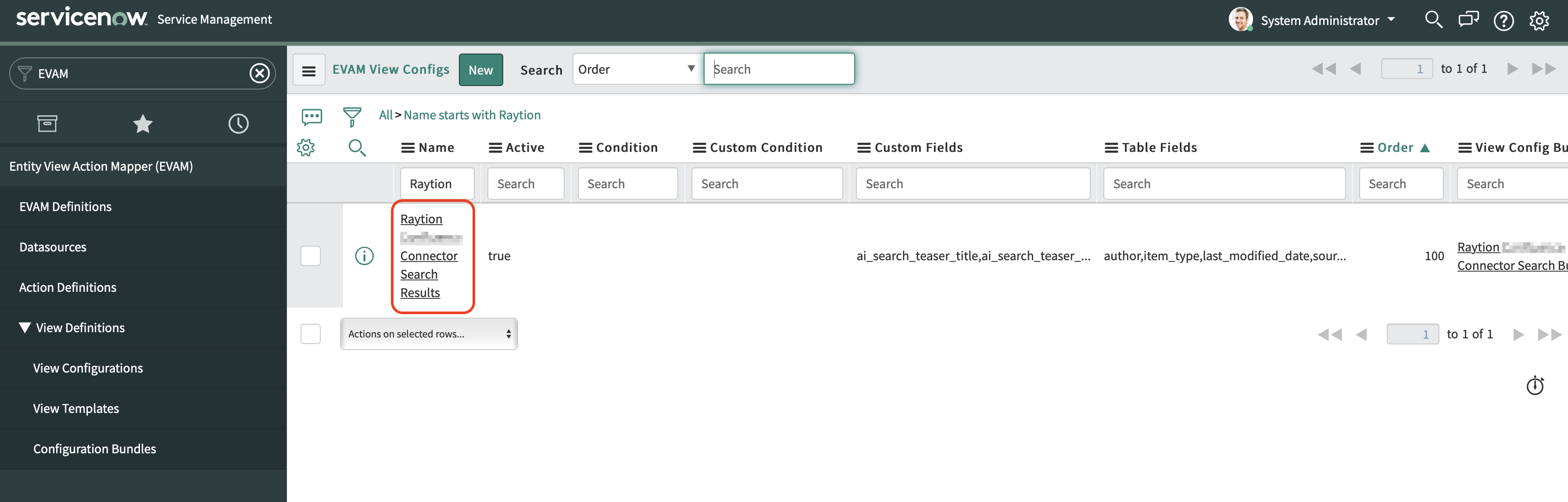
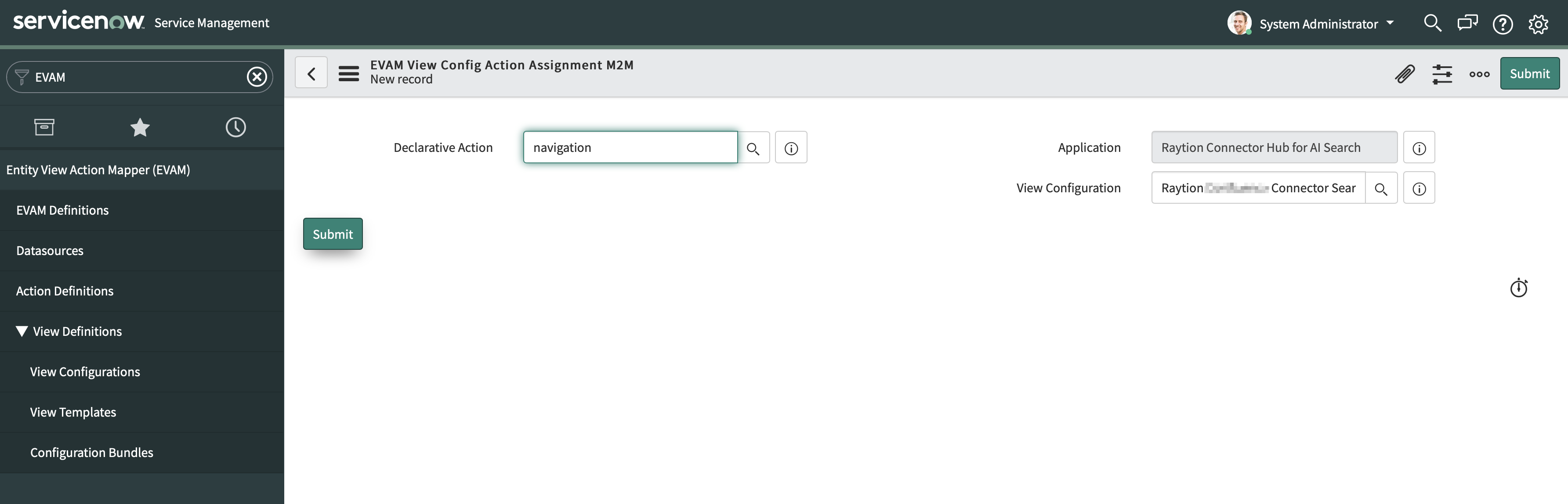
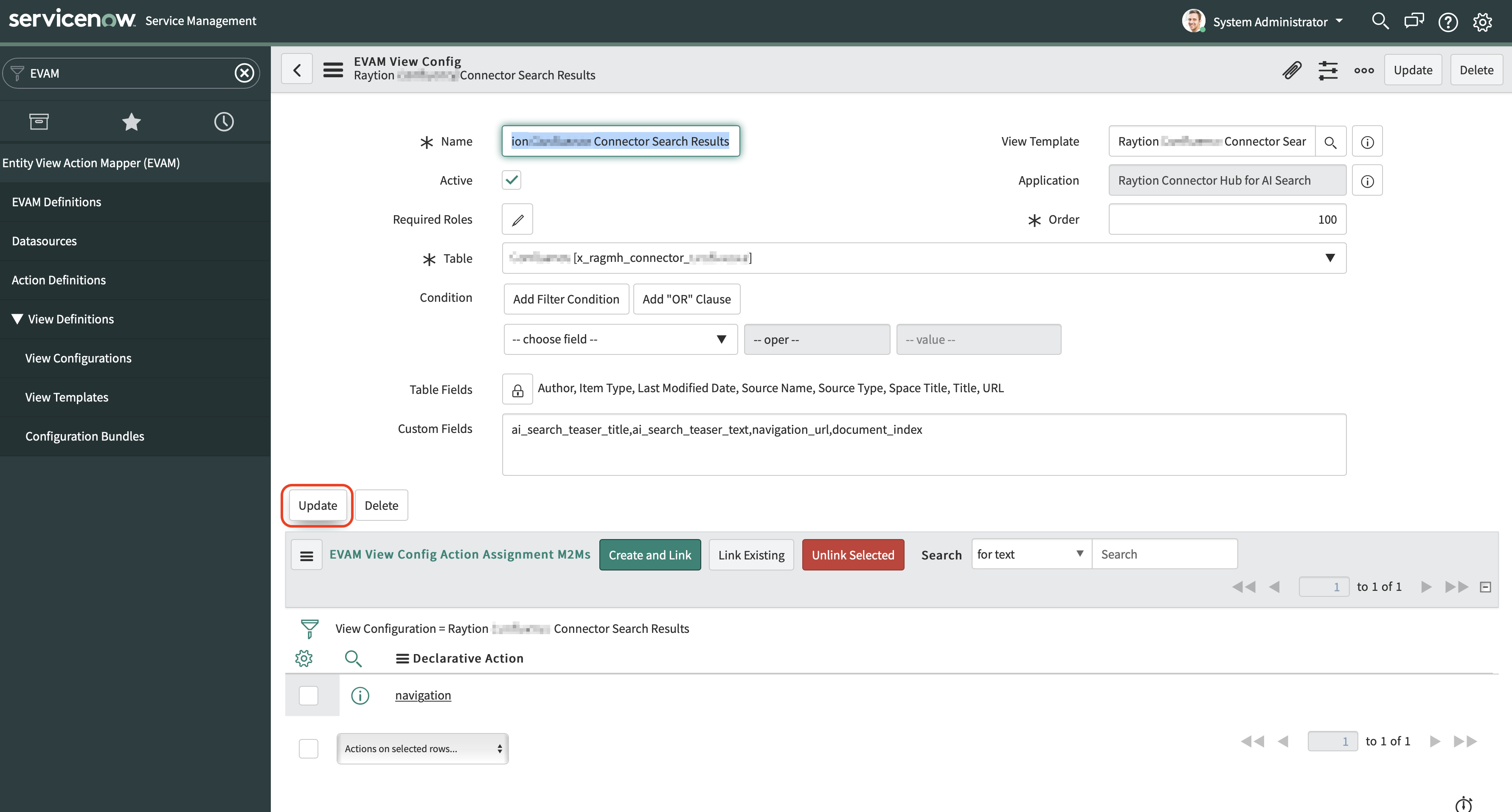
Check under 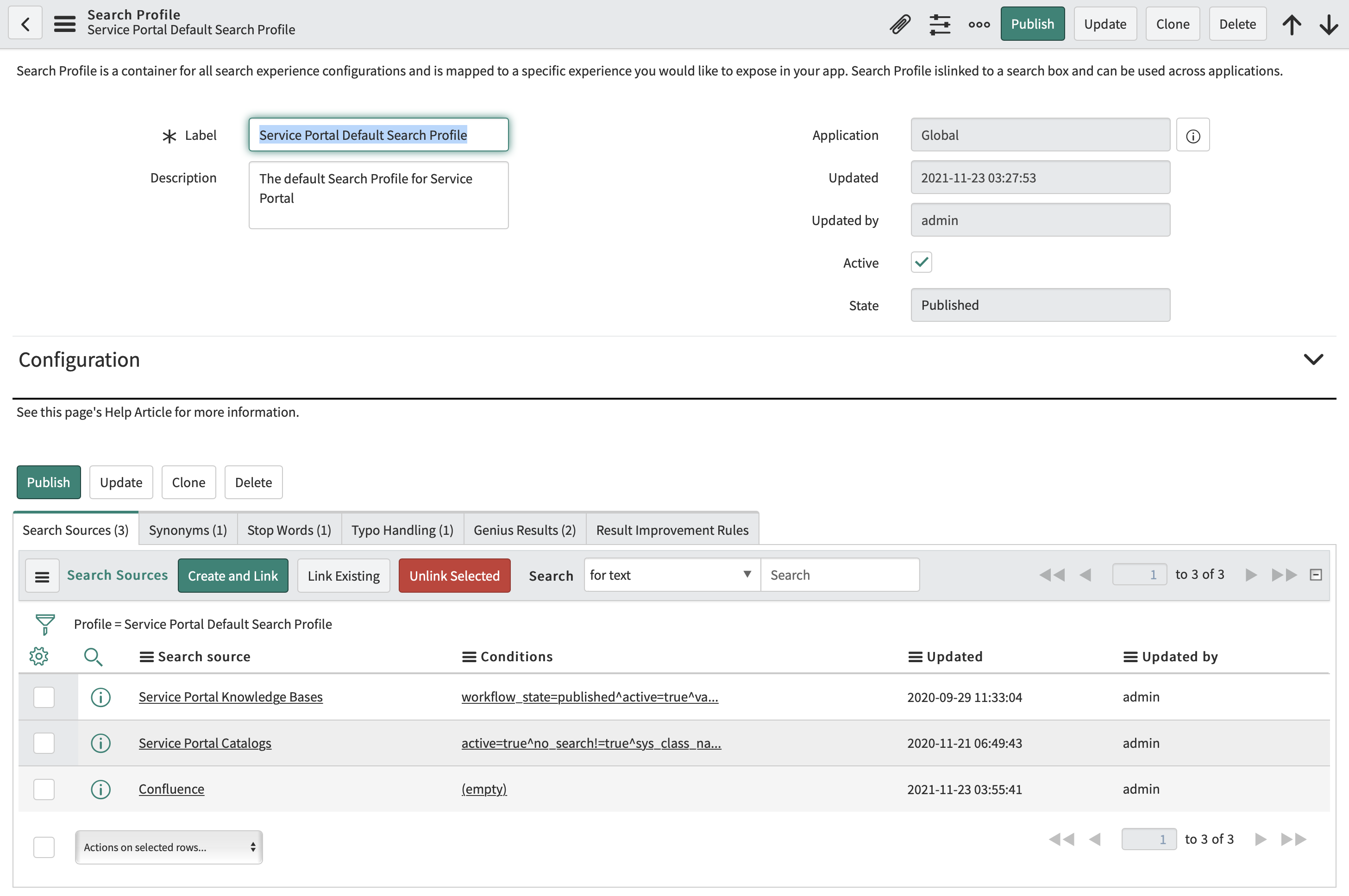
In the example above, the search source |
|
Verify that the connector completed at least a single principal traversal. Starting from Quebec, all items processed by the connector are protected with Access Control List.
The Access Control List assigned to items can be only resolved if principal information from the source system has been synchronized to AI Search.
In order to verify that the expected principal relations have been synchronized, login to ServiceNow with the role 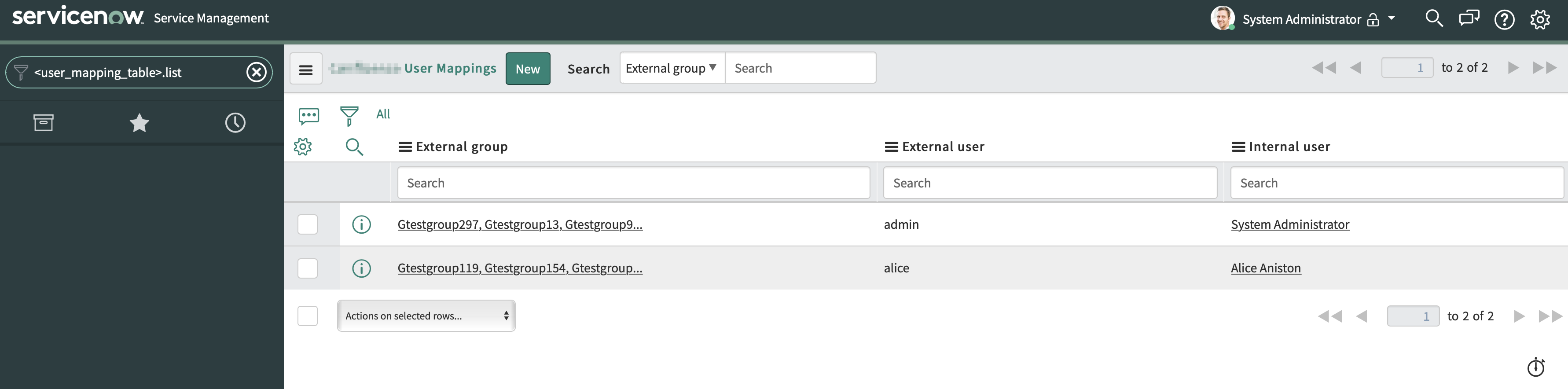
In case you are missing an user record in the table or expecting the internal and external user mapping to be different, revisit your Aliaser Configuration in the Advanced Connector Configuration. |